
Installation
Follow these steps to download, install, and launch TestQC Win on your system.
Get the latest version of TestQC Win from the official repository or release page.
Make sure to verify the file integrity using the provided MD5 or SHA checksum before running the installer.
Double-click the downloaded installer (TestQCWin_Installer.exe) to start the installation process.
If Windows SmartScreen shows a warning, click More info → Run anyway — this happens because TestQC Win is internally distributed software.
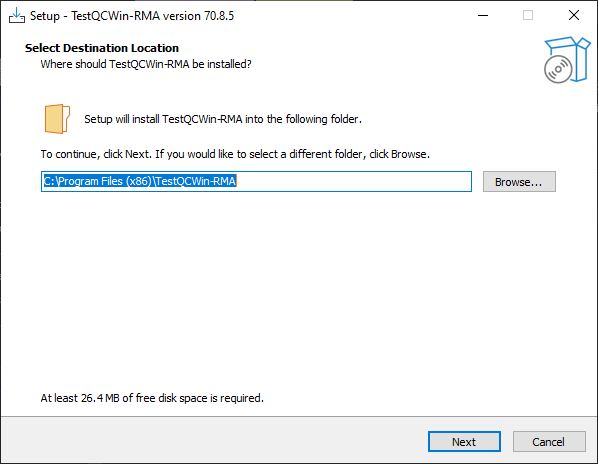
The setup wizard will guide you through installation options.
You can leave the default directory (recommended) or choose a custom path if needed.

Some versions of TestQC Win may include optional tools or test modules.
Check or uncheck these components according to your testing requirements.
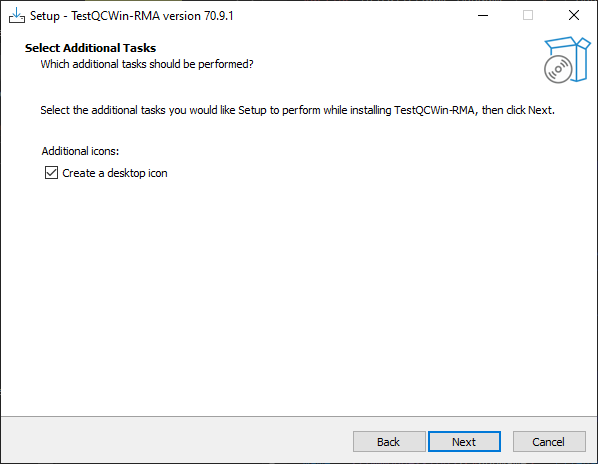
Click Install to begin. The process will copy necessary files, create shortcuts, and register required dependencies automatically.

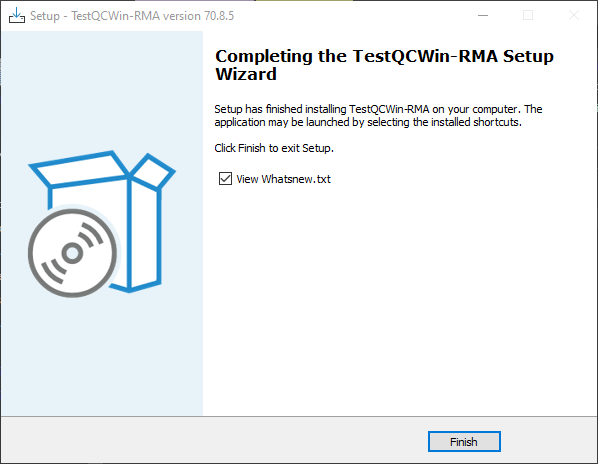
Once installation completes, click Finish to close the wizard.
You can choose to Run TestQC Win immediately after installation by keeping the checkbox enabled.
To start the program later, double-click the TestQC Win shortcut on your desktop or find it from the Start menu TestQC Win.
When launched, the app will open in its main device info window — ready to begin testing.

- Administrator privileges may be required during installation on some systems.
- TestQC Win does not collect telemetry or send usage data.
- For uninstalling, use the Add/Remove Programs feature from the Windows Control Panel or Apps & Features in Windows Settings.
That’s it! Your TestQC Win installation is complete and ready to test devices.