
Webcam
Intended for testing the functionality of the webcam on the device.
- Device with built in camera.
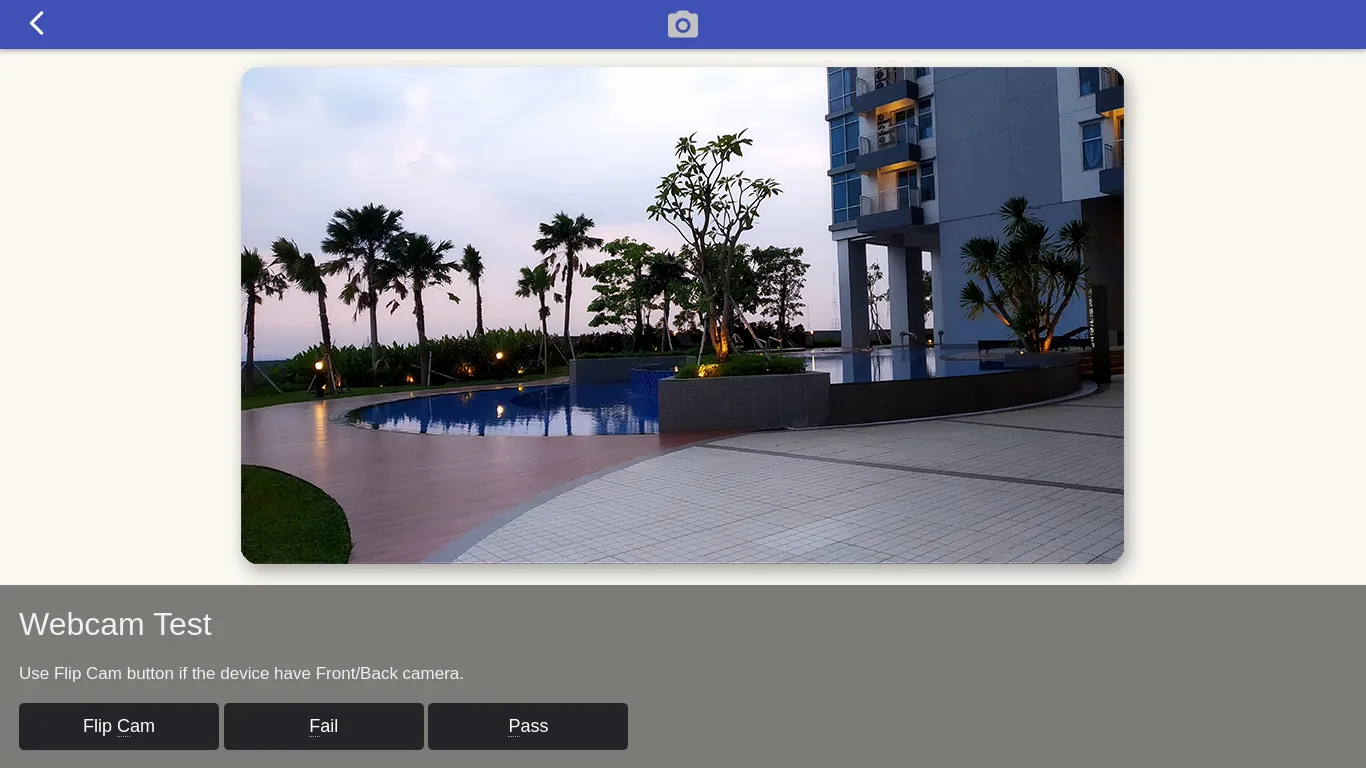
On some laptop models, the webcam must be enabled before it can be used. To do this, press the Fn key and the webcam key (usually F8 or F10). If the laptop has dual webcam capability, you can switch between the cameras by pressing the FlipCam button.
Technically, since this get video stream from webcam can compromise privacy, the get video stream from webcam is not available unless the user approves it, so user must answer the Block or Allow confirmation from the browser when the page loads.