
USB Port
Intended for testing the functionality of the usb port on the device.
- Device with USB Port (Type-A or Type-C)
- Device with SDCard / MicroSD (optional).
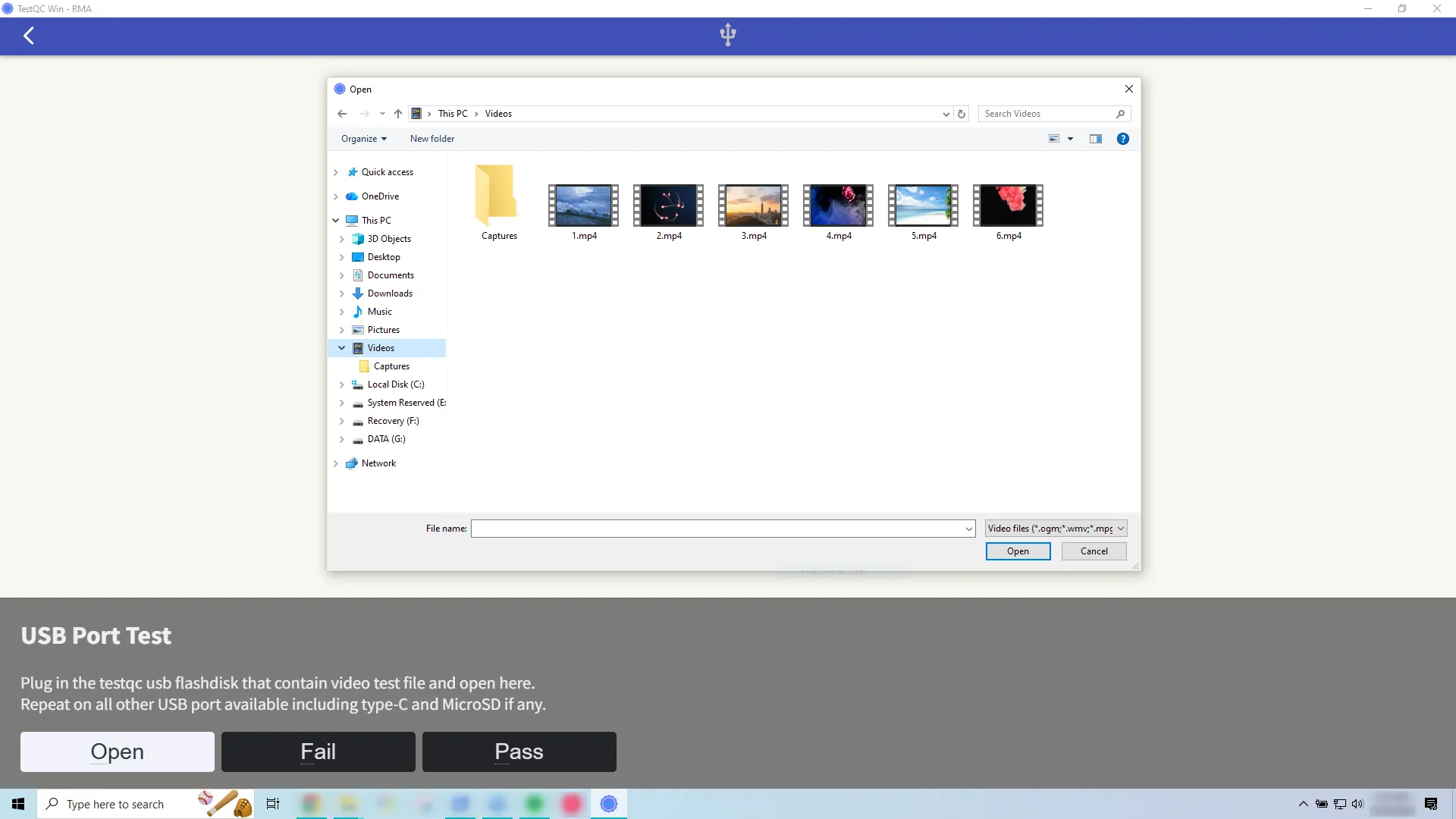

Plug in the flashdisk tester into any available USB port, the OS media detection will open a file open dialog, navigate to the video file and press Open. If the video is playing properly on the screen then the USB port is working fine, so its Pass.
Repeat the process for other available USB ports, including USB Type-C port and the SDCard or MicroSD slot if available.
Video Decoding
It is always recommended to use the test video file from the administrator, DO NOT use your own video.
Some high compression video encoding such as HEVC, x265 or VP10 may render the video play performance to stutter if the device not having a proper codec installed or hardware accelerator that support it.
So, unless you know exactly what type of video compression encoding your own video use, it’s better to use the recommended one.