
Bluetooth
Intended to test the bluetooth component on the device under test, whether it is functioning properly and can be properly connected to other bluetooth devices according to existing bluetooth standards.
- Device with bluetooth device.
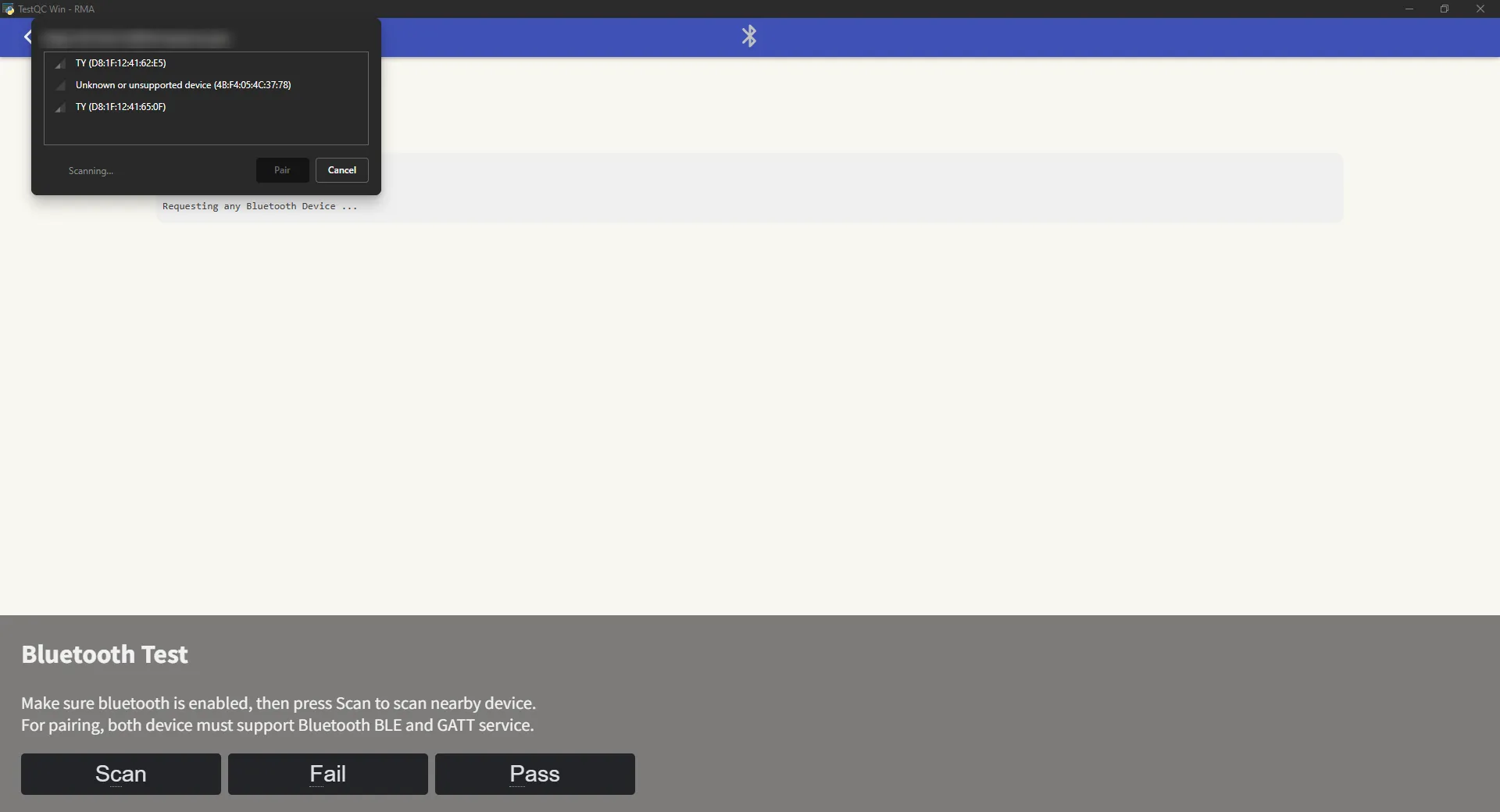
If the DUT supports Bluetooth 5.0 or BLE (Bluetooth Low Energy), the system will automatically use BLE mode for testing.
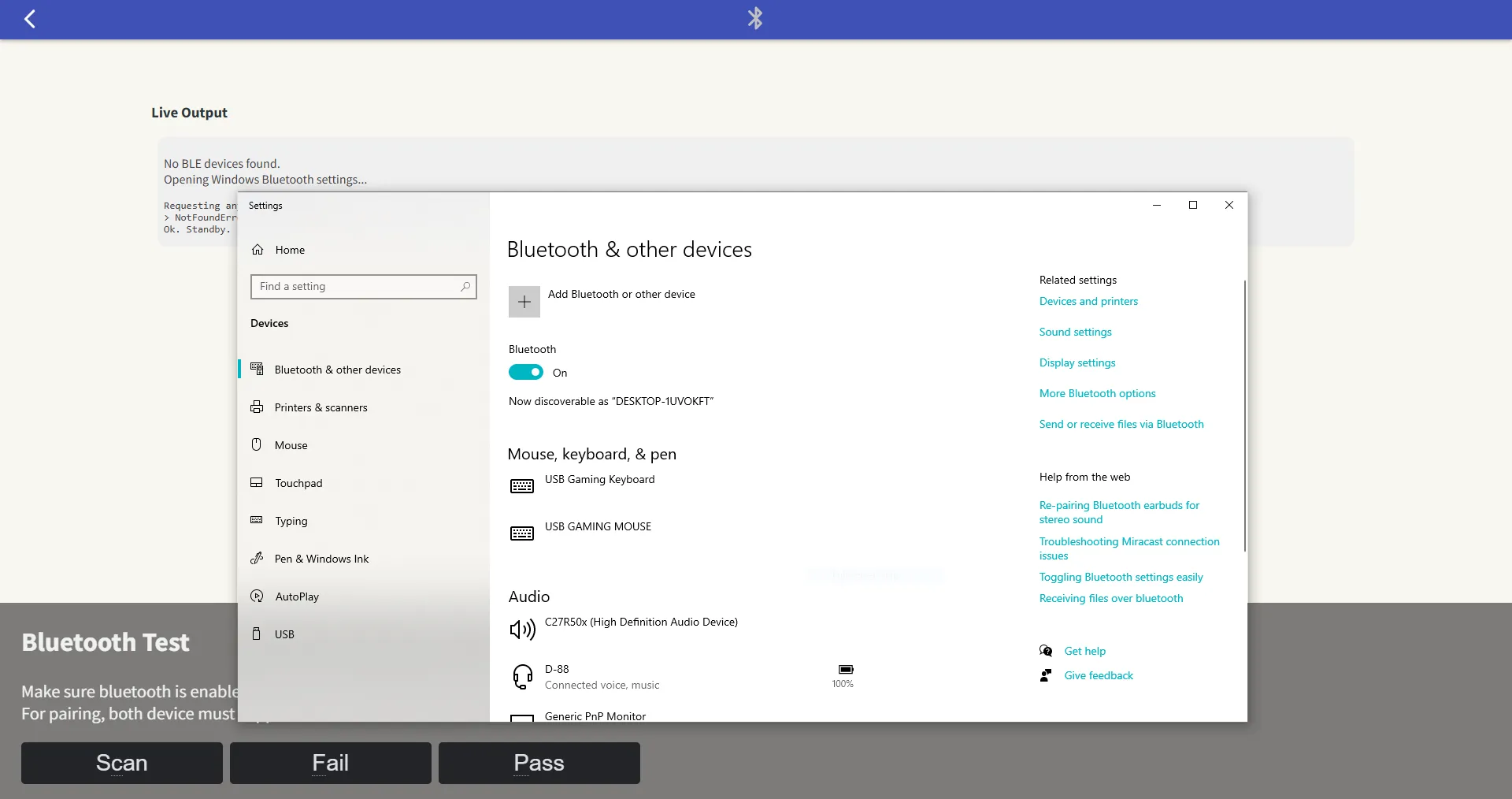
If BLE is not supported, the system will fall back to Classic mode (v4) and open the Windows Bluetooth “Add a device” window.
Scan or search for nearby available bluetooth devices and try to pair and connect. If can connect successfully, then it’s Pass.
Bluetooth Mode
BLE (Bluetooth Low Energy) is a newer Bluetooth standard (introduced in version 4.0 and enhanced in 5.0) designed for lower power consumption — often used by modern devices like wireless earbuds, smartwatches, and IoT peripherals.
Classic Bluetooth, on the other hand, is the traditional mode used for continuous data connections like audio streaming (e.g., speakers and headsets).